Inspections
Know what is due.
Every inspection on one list, soonest first, with the result recorded on the equipment it was for.
Neovekk ties every asset, photo, plan and repair to the exact place it happened. Scan the label on any panel, valve or rooftop unit and the next person starts with answers.
One living record for every trade in the building
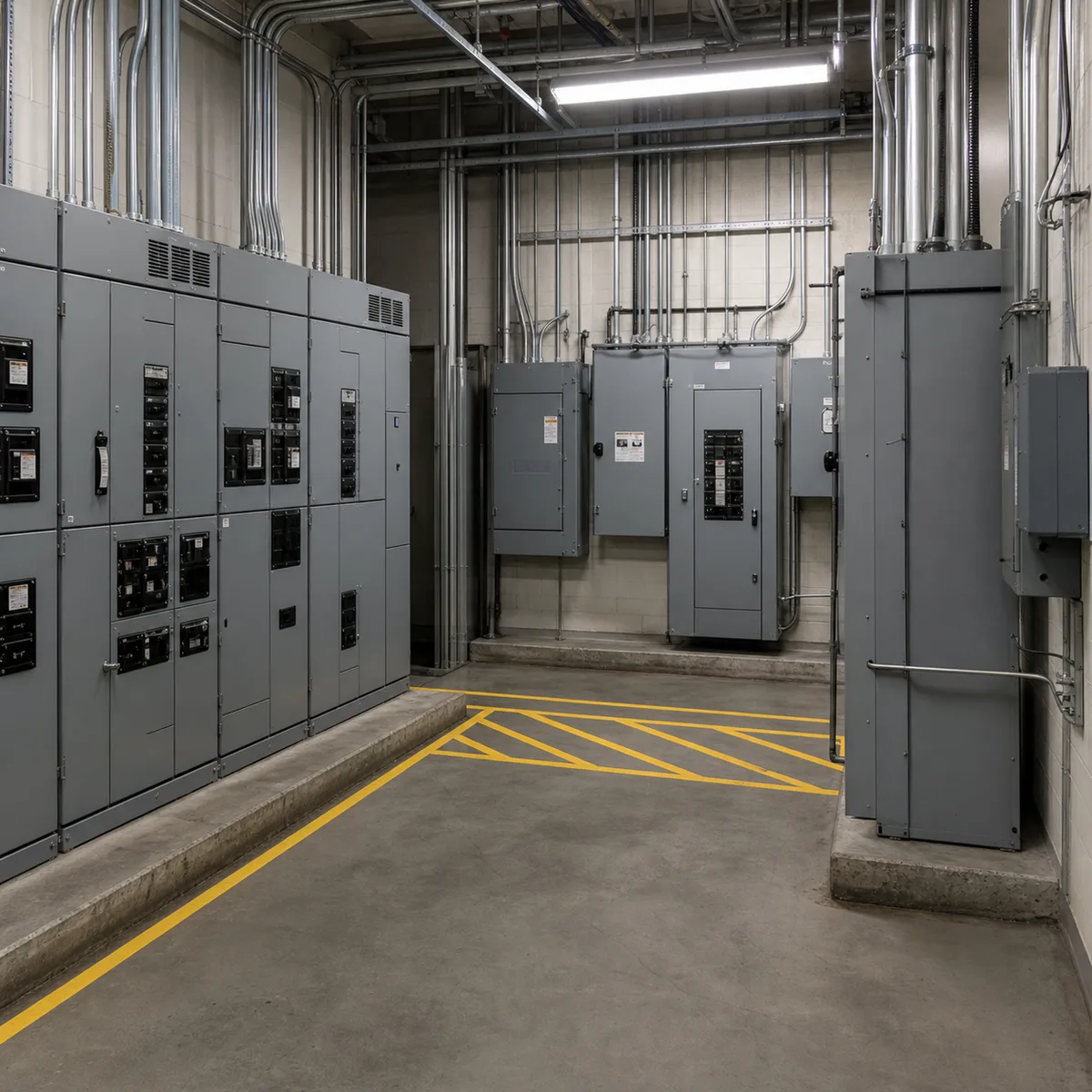 Electrical
 Plumbing
 HVAC
 Refrigeration
 Low voltage
 Fire & life safety
 Gas
 Equipment
Product tour · 2:22
Follow one service call at a grocery store: a walk-in cooler running warm, two trades and one shared record, from the first scan to the owner approving the proof.
Animated walkthrough of Neovekk features available today. The store, people and equipment brands are fictional.
The problem, and the fix
Today
Photos live in camera rolls. Answers live in text threads. Closeout binders sit in someone’s inbox. So every visit starts with rediscovery.
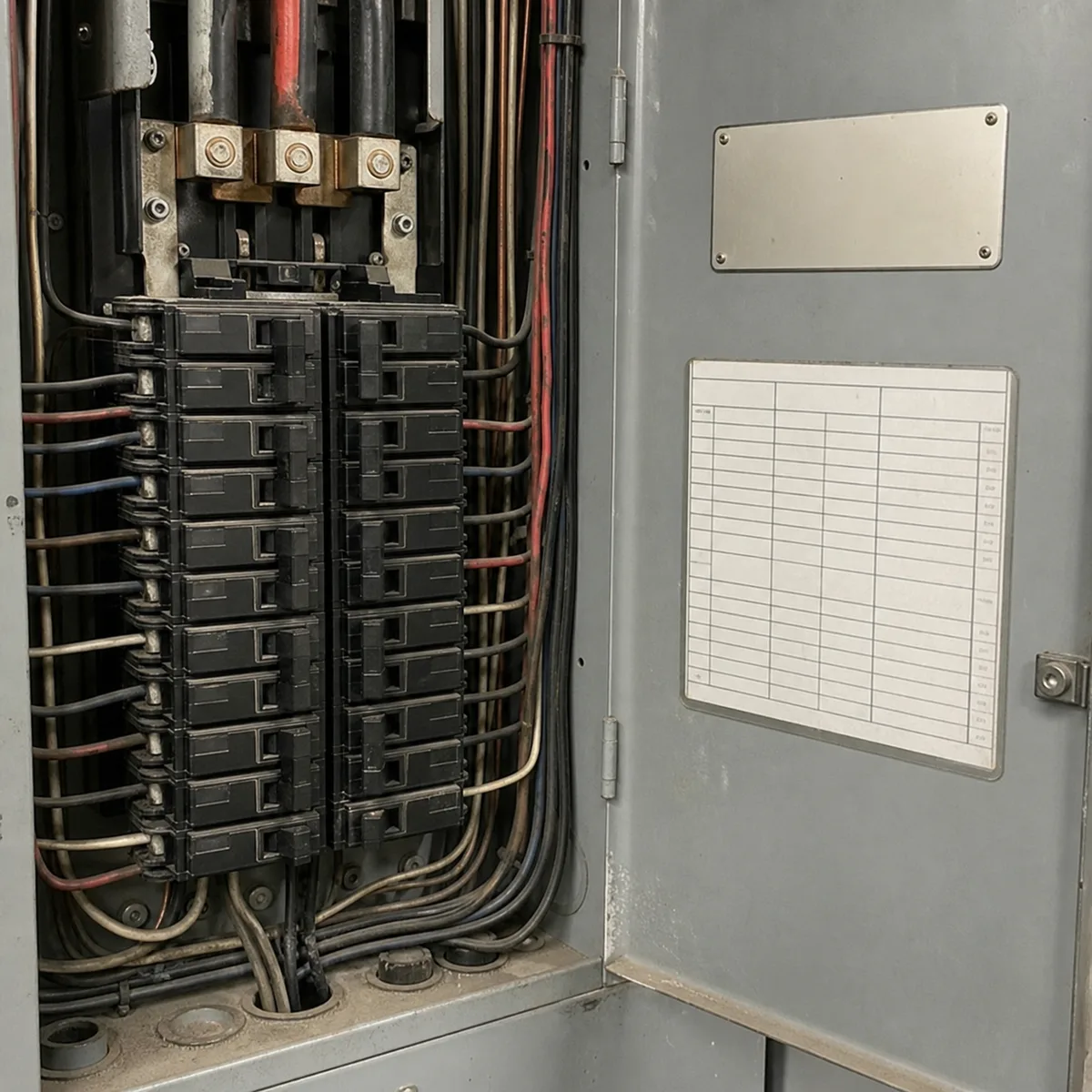 IMG_4417.HEIC
With Neovekk
Every photo, note and file is pinned to the asset it belongs to, with who, when and where attached. Scan the label and it is all there.
Panel LP-2Breaker 14 feeds the walk-in coolerElectricalRTU-03Service photos added · Jul 18HVACFor facilities · Available for pilots
Give every maintainable asset a permanent identity and a living record that anyone you authorize can open from their phone.
Put a durable Neovekk QR label on any panel, valve, rooftop unit or network cabinet. The code points to the record. It never holds a password or sensitive data.
ElectricalPeople you authorize see what it is, where it is, what it serves, who touched it and what changed. Anyone else sees only the basics you choose to show.
3 photos+18Add photos, notes, documents and markups while standing at the equipment, each one tagged to the asset and the Project.
BeforeAfterProjects gather the before, the after and everything in between, ready for the owner to review and keep with the building.
Blueprints & facility maps
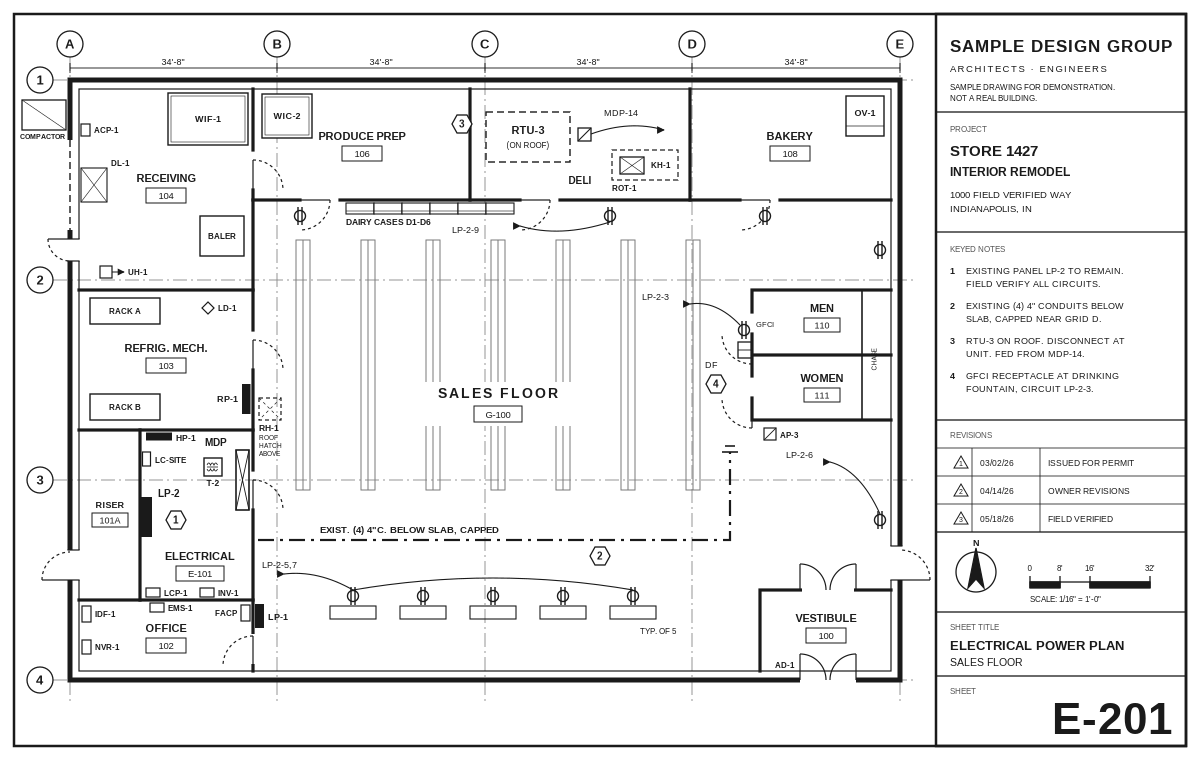
Upload huge drawings, even a phone photo of a print. Neovekk turns them into fast, private maps your whole team can zoom, pin, mark up and search.
Coordination rooms
Each Project gets a room where the trades talk, ask questions and hand work to each other. Nobody has to call around to find out what they are waiting on.
Each Project has one conversation for every trade on it, like a group text that stays with the job.
A handoff that waits on other work shows as blocked and names what it is waiting for. It unblocks by itself when that work is marked done.
Send a question to one trade. Everyone sees it, and it stays at the top of the room until it is answered.
Running the building
The same record your crews built during the job tells the people who run the building what is due, what is still covered and what keeps breaking.
Every inspection on one list, soonest first, with the result recorded on the equipment it was for.
What is still covered and what ends soonest, so a repair that should be free does not get paid for.
Every failure, repair and replacement goes on the record with its cost and downtime, across every location.
Sample data from a made-up store.
For design & renovation teams Preview
Years of field evidence become a head start for engineers and architects: equipment, pathways and conditions worth investigating for reuse, spotted before a single wall is opened.
Photographed · 2024 closeoutExisting switchboardNameplate and spare spaces on record Pre-cover photos · 2023Conduit pathway above ceilingRoute documented before the grid closed
 Photographed · 2025 serviceDomestic water riserValves tagged and pinned on planNot capturedBack-of-house wall cavityNo photos on record. Look before you design.Not recently confirmedCeiling space, sales floorLast documented 2019Proposed · near existing riserNew prep sinkVerify the riser before relying on itProposed · near switchboardNew walk-in coolerCapacity needs a qualified review
The platform
Giant drawings, dead zones, a dozen trades and records that have to last decades. Neovekk is built for all of it.
Circle, draw and label photos the same way as prints, without changing the original.
Print durable QR stickers and panel schedules sized to the real panel door, in batches.
Download a site, look up saved QR codes and queue photos and notes until you are back online.
Trust
Every piece of evidence carries its own receipts, so a photo from years ago is still something you can rely on.
 Original preserved
Neovekk does not replace qualified inspection, engineering, design, code review, lockout/tagout or other safety procedures. QR records support documentation; they do not replace physical labels or required directories.
For owners & facility teams
Owners set the standard. Contractors get a clean way to prove their work. Start with one facility and grow from there: pilots run 90 days, from $149 per site per month.
Commercial pilots are open now: tell us about your building and we'll set up your team.
We read every message and reply by email.
